Free PDF Invoice Generator
Instant fillable PDF download without signup
Create, calculate, and download clean printable PDF invoices in seconds. Describe your billing items in plain language, customize currencies, and export directly to your device for free.
AI Assistant
Describe your work or select a block on the invoice.
Tap to stop
Quick Prompts
Structuring document…
Invoice
From
Billed To
Issue Date
Due Date
Notes & Terms

Are you a Handyman?
We're not just an invoice generator - we can do more. Try our tailored platform built specifically for trades, materials, and labor.
Try it nowBuilt for your workflow
Skip the admin work and get back to doing what you do best.
For Designers
No more wrestling with messy Word templates. Generate sleek, structured invoices that match the quality of your creative output.
For Developers
Stop wasting time on admin. Just type out the features you built, and let our AI instantly structure them into professional line items.
For Consultants
Export flawless, multi-lingual PDFs that make your solo agency look like a Fortune 500 company. Ready to send in seconds.
Intelligent billing
Everything you need to get paid faster, wrapped in an interface that does the heavy lifting for you

Multi-lingual AI
Speak or type in your native tongue. Our engine auto-translates into 10+ global languages flawlessly
Instant PDF Exports
Stop wrestling with Google Docs. Generate a pixel-perfect, print-ready PDF invoice with one click
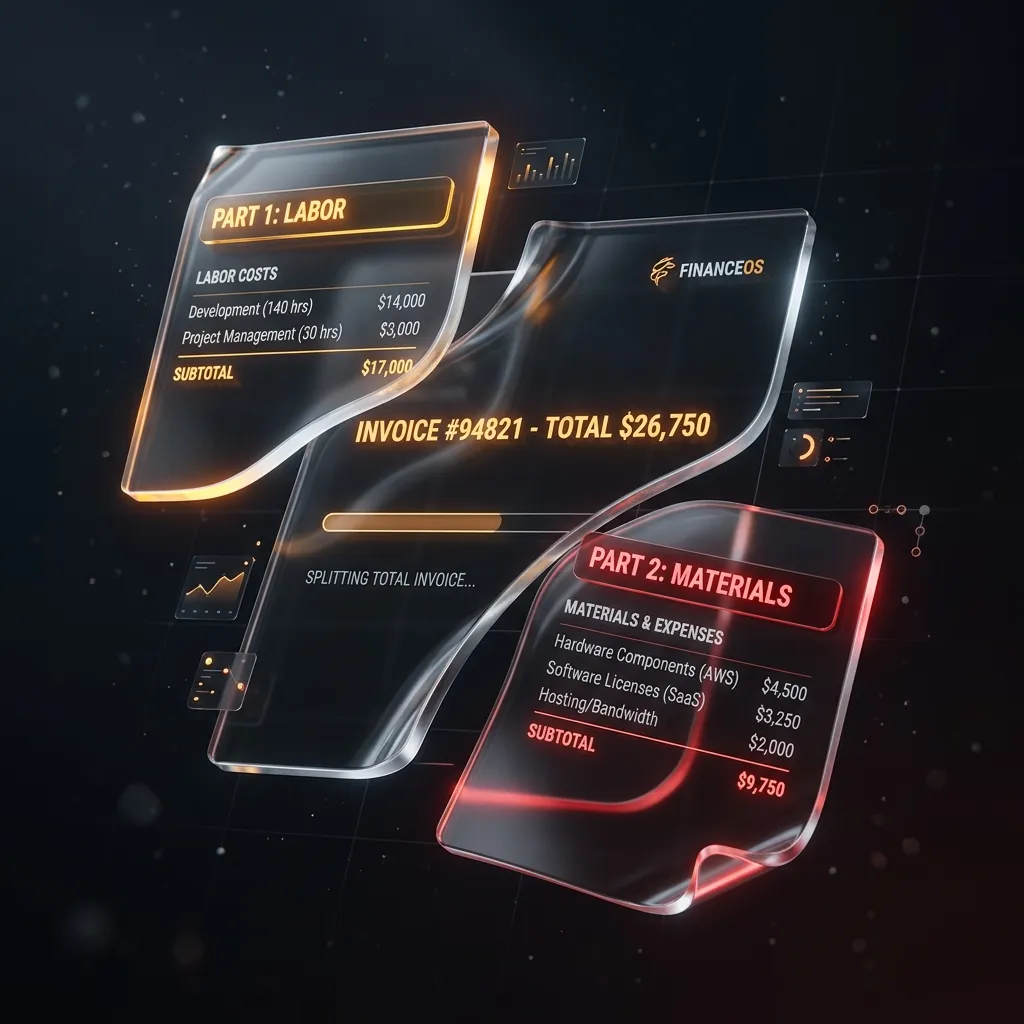
Smart Calculations
No math errors. The system automatically parses quantities, rates, and tax percentages from raw text
How to Use Our PDF Invoice Generator
Generating a professional PDF invoice doesn't require expensive accounting software or clunky Excel spreadsheets. Our PDF Invoice Generator is designed to be the fastest, most frictionless way to bill your clients and get paid.
Step-by-Step PDF Generation
- Describe Your Work: Type your line items directly into the AI prompt box above. For example, "30 hours of web development at $75/hr and $200 for server hosting."
- Review the Draft: Our engine will instantly structure your input into a clean, itemized list, separating labor rates, materials, and taxes automatically.
- Customize (Optional): Add your business logo, select a brand color, and choose your preferred currency (USD, EUR, GBP, etc.).
- Download PDF: Click the "Export PDF" button. A high-resolution, print-ready PDF will immediately save to your device. No account required.
Why PDF is the Standard for Invoicing
When you send an invoice as a Word Document (.docx) or Excel Spreadsheet (.xlsx), you risk the client altering the amounts, or the formatting breaking when they open it on a different device. A PDF (Portable Document Format) guarantees that your invoice looks exactly the same on a mobile phone, a Windows PC, or when printed on paper.
Frequently Asked Questions
Save your documents securely
Right now, your documents are only saved locally in your browser. Join the early access waitlist to unlock cloud syncing, client profiles, and recurring billing when we fully launch.